Several “Everything you need to know about WhatsApp Web (WAW)” articles are all over the internet therefore I will take a different approach to this article and talk about how the entire user experience works, my personal experience and other details about WAW.
So I guess unless you are an iPhone user, you have already tried and fell in love with the web client. Personally I was impressed by the simplicity of it all, a QR code scan using your mobile phone lets you register your laptop and syncs your chats between the phone and a computer while maintaining a sense of security. Several users were flabbergasted by the “scan the QR code” system of the web client – even I was — but after scanning and realizing how efficiently the system works, I have been left wondering why we don’t use this neat authentication feature to log in to all our accounts.
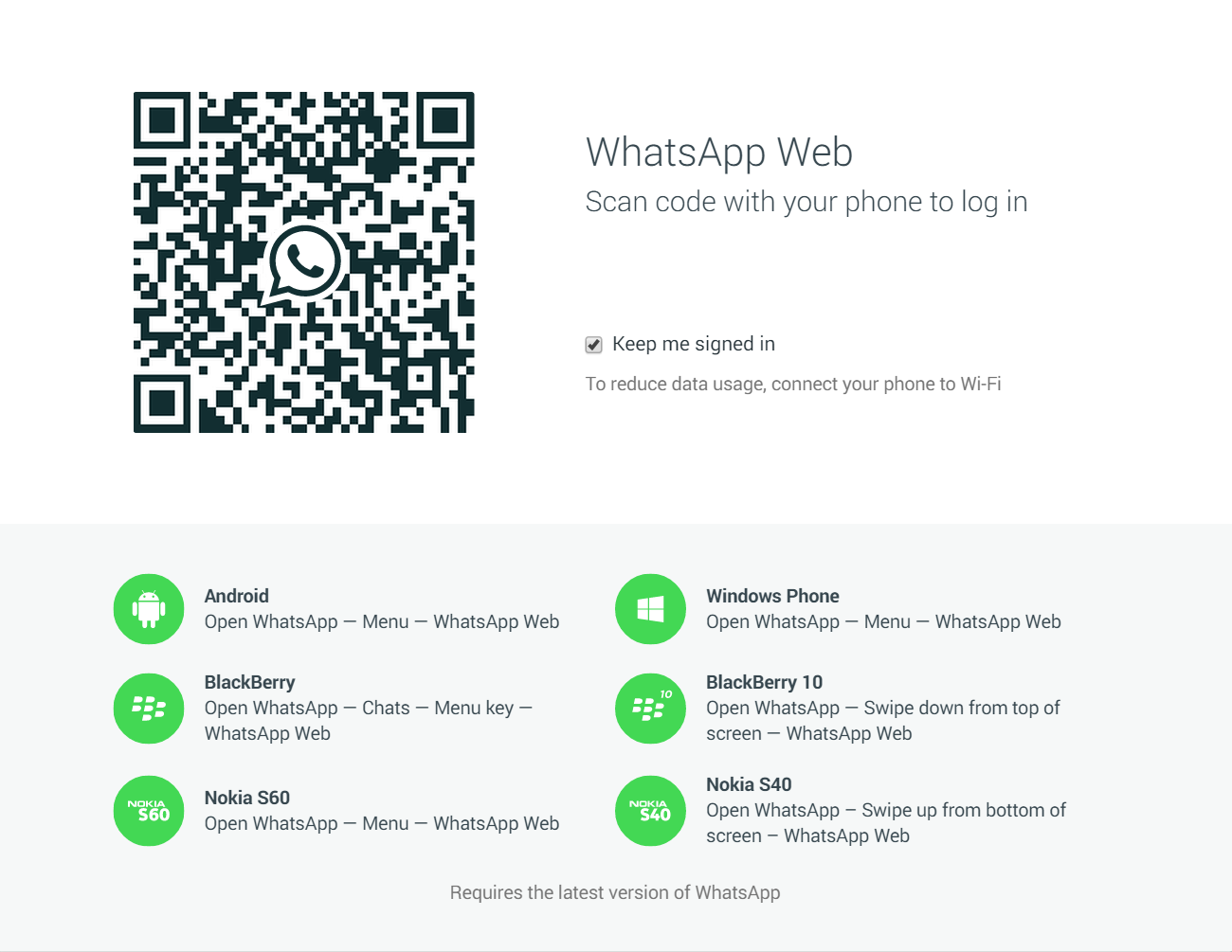 WhatsApp web client WhatsApp web client |
Using an HTML5 powered browser like Chrome, you accessweb.whatsapp.com (be assured it is a secured site), you are welcomed by a QR code and a brief on compatible operating systems which include several quirky phones like Nokia S60 but iOS is absent. The QR code – in layman terms – is the identity of your computer and when you use your registered mobile phone to scan it, the WhatsApp servers link your laptop to the registered account. The system is effective and secure since only your mobile phone has the power to log-in to your account and the ability to log-out of a specific computer remotely. Thereafter, you are set for life (since you can keep yourself signed in) – all your chats, favourites and groups are synced to your PC and you can finally keep your phone in your pocket during lectures and act as if you are making notes on OneNote while simultaneously chatting away on your laptop.
Personally, I found the web-client a delight! It has eradicated the need for me to use my mobile for instant messaging; although desktop clients for Line and Viber exist and Facebook has always had its built-in chat function, WhatsApp has an enormous user base and most people prefer to use it instead of the substitutes – even its parent company’s Messenger. The problem with using the chat on Facebook is that the entire web experience of Facebook is directed towards newsfeeds and posts while chat is an extra option; whereas WAW is a big white box with a single purpose. While Line or Viber have Windows8 applications that also do the same, they require users to make accounts, remember passwords and run background processes. WhatsApp Web works as an extension, universally on all operating systems and that’s why I believe its client will also have a greater market penetration.
Although several features of the mobile app have not made it to the desktop client, I feel that the entire WhatsApp experience is available in the client – even desktop notifications are included. Since it is a client for a main app, it doesn’t need to include all the features of the app such as creating groups, changing status or profile picture – WhatsApp wants you to use your phones as well.
WhatsApp Web is a sound client that resolves the issue of picking up the mobile phone to look at the one stupid message and putting it back on the table while you are writing a blog post – now you only need to glance in the bottom right corner of your laptop’s screen and continue writing.

- Attend Professional Blogging And Mobile Money Training This Saturday And Get Your Own Blog FREE
- Get your own premium blog like www.obeens.blogspot.com for N10,000 or www.philipobin.com for N50,000 in 24hrs. WhatsApp/Text/Call 08027196002
- 1,000 candidates wanted for immediate employment. Min of SSCE; up to N100,000 monthly salary.
- Buy instant airtime (MTN, Glo Etisalat, Airtime, Visafone) with up to 14% bonus
- Send Bulk SMS at N1.00; instant delivery, get free phone numbers to send messages to, too
- Join Club080.com - a reward programme paying members N1,000 - N40,000 daily
- Get Recharge Card Printing And Bill Payment Machine
- GloXchange.com: How to become mobile money agent and earn up to N605,750 monthly
- Join 9icefaces.com - only social network that pays you for each follower/friend
- THE SENATOR: An apt summary of the nation called Nigeria by Tai Emeka Obasi
- How to earn N10,000,000.00 from Lekki Sands - guaranteed
- Get up to 50 million Nigerian phone numbers (by states/LGs) for bulk SMS
- Want your own adverts or articles on our blog like these ones? Call 08027196002 or email ceo@potechng.com
Comments
Post a Comment